Welcome to My Club Hub!
Your Parent Portal for Account Setup & Club Registrations
MyClubHub is our all-in-one digital hub for Club families. All Boys & Girls Club of Aberdeen Area families are required to use the MyClubHub Parent Portal, effective December 16, 2024.
Need Help Getting Started?
Helpful step-by-step guides are available below to assist with account setup and registrations.
Please scroll down to view all resources.
Through the Parent Portal, families can:
- Renew memberships
- Register for programs and field trips
- Make payments, including transportation
- Manage household and member information
- And more!
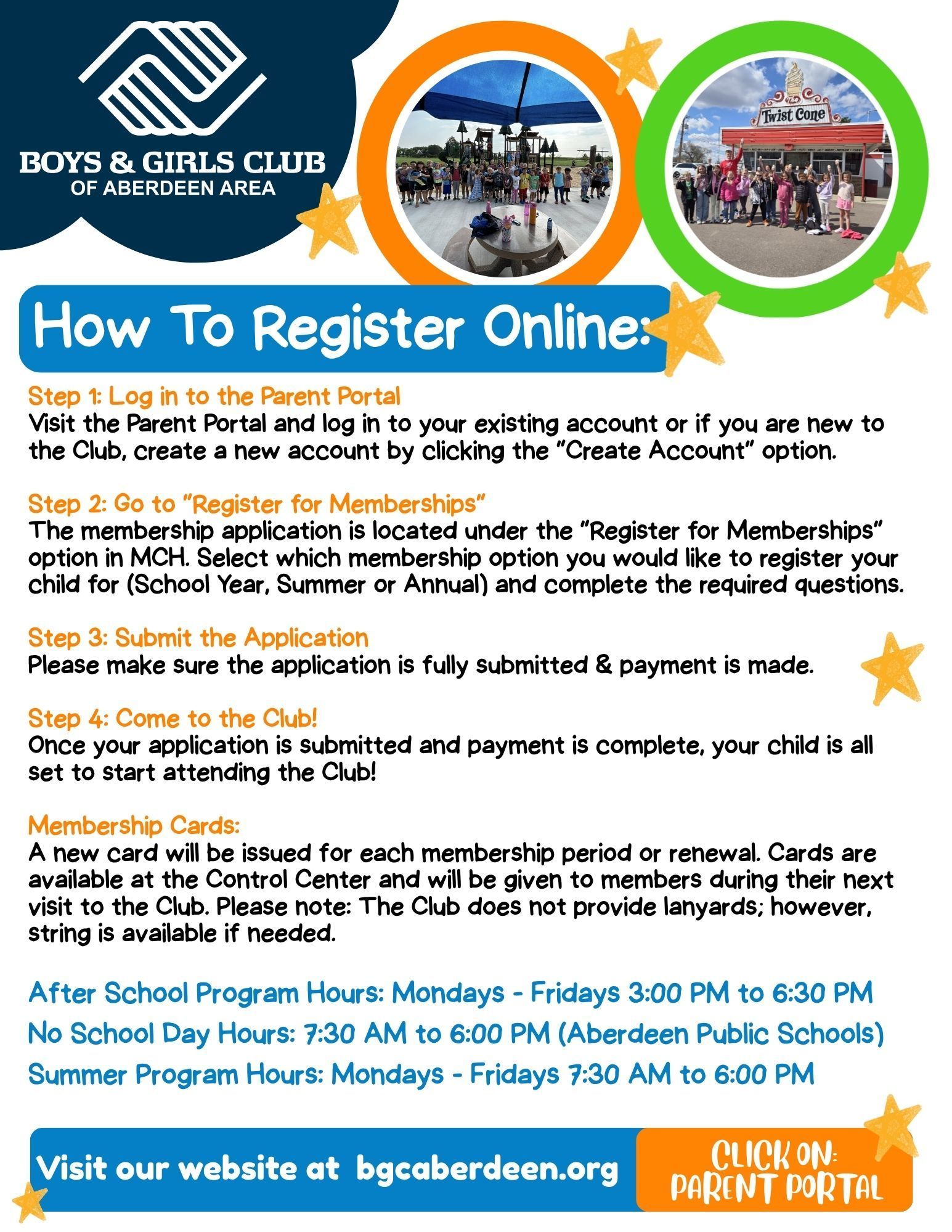
Resource Guides
Scroll or click below to view the following Resource Guides for My Club Hub:
When accessing the portal for the first time, please select "Create Account"
- If your child is currently attending the Club and has an active membership, but it is your FIRST time in this Parent Portal, use the same parent/guardian first and last name and email address that your Club has on file, your account will be linked.
- Please do not add your children to your account if you do not see them under your household in parent portal! If they currently have an active membership, each child should be listed in your account once you have successfully logged into your Parent Portal account.
- If you do not see them, please call the Club at 605-225-8714. Thank you!
To sign your child up for a field trip, please visit this guide.
- Log into your Parent Portal account with your username and password.
- Click on Register for Programs.
- Select School Year Field Trips
- Select one of the following:
- Grades K-5 (After School) or Grades 1-5 (Summer)
- Teen Field Trips
- Select which field trips you would like to sign your child up for.
*All field trip payments will be processed online with a debit/credit card.
Processing fees will be applied to all online transactions using a card.